Pick your format — step-by-step text & photo or a video walkthrough.
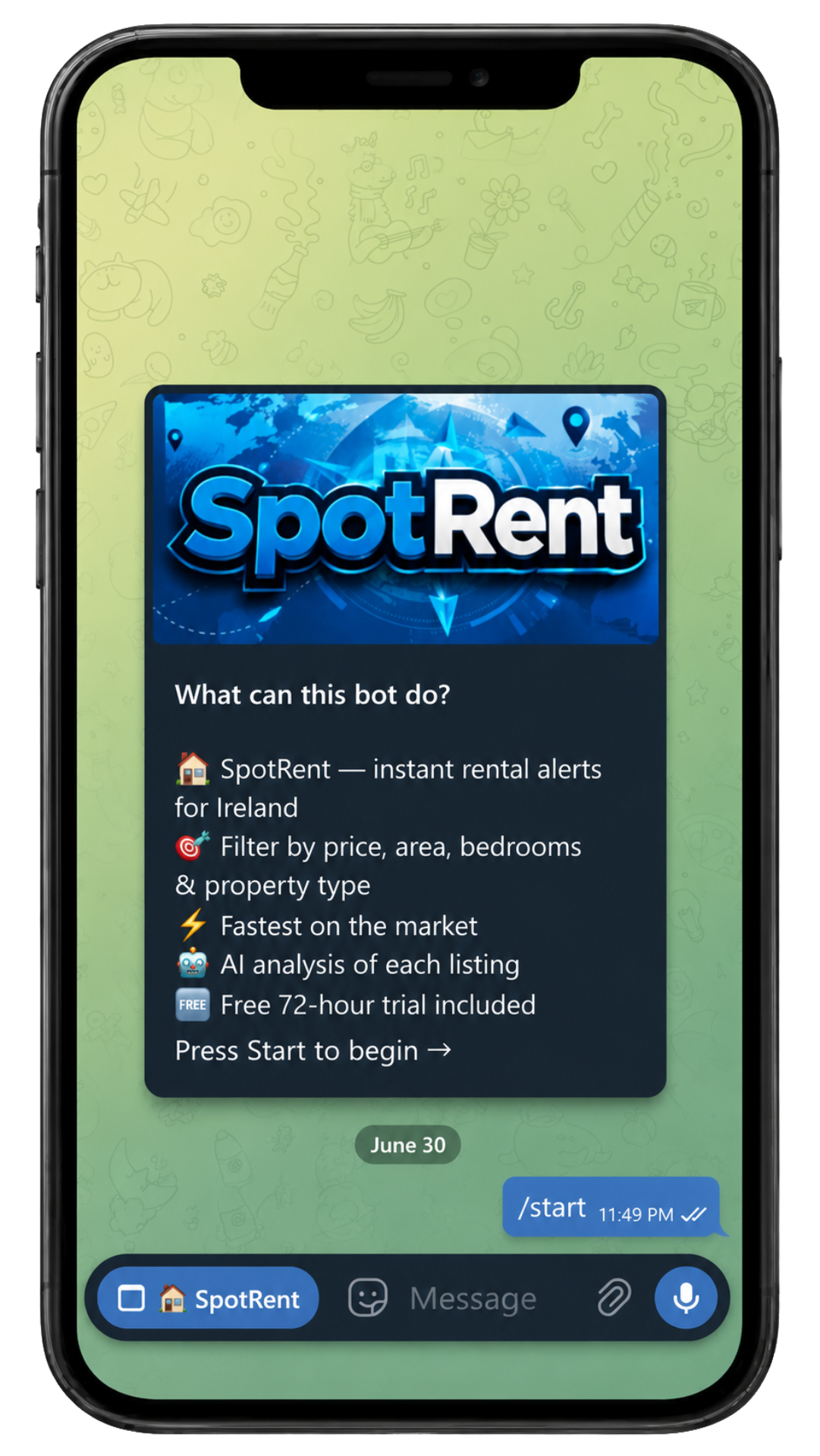
Tap the SpotRent button to the left of the keyboard in your bot chat. The Mini App opens instantly inside Telegram — no browser, no extra app needed.
You can open the Mini App anytime from any conversation with the bot.
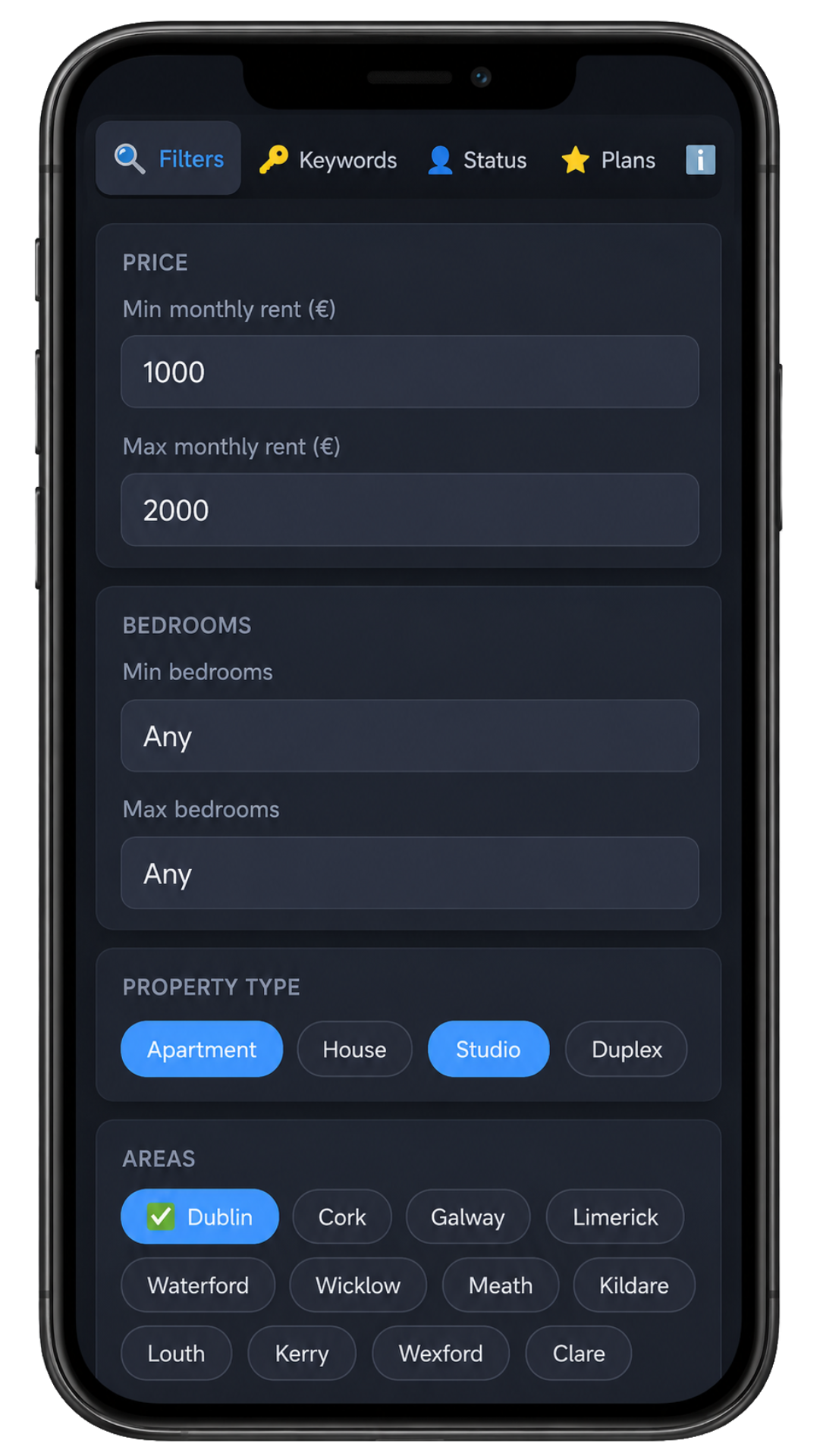
The Filters tab opens first. Choose the minimum number of bedrooms, property type, listing sources, and county. Don't forget to save your filters when you're done.
You can leave any filter blank to skip it and get broader results.
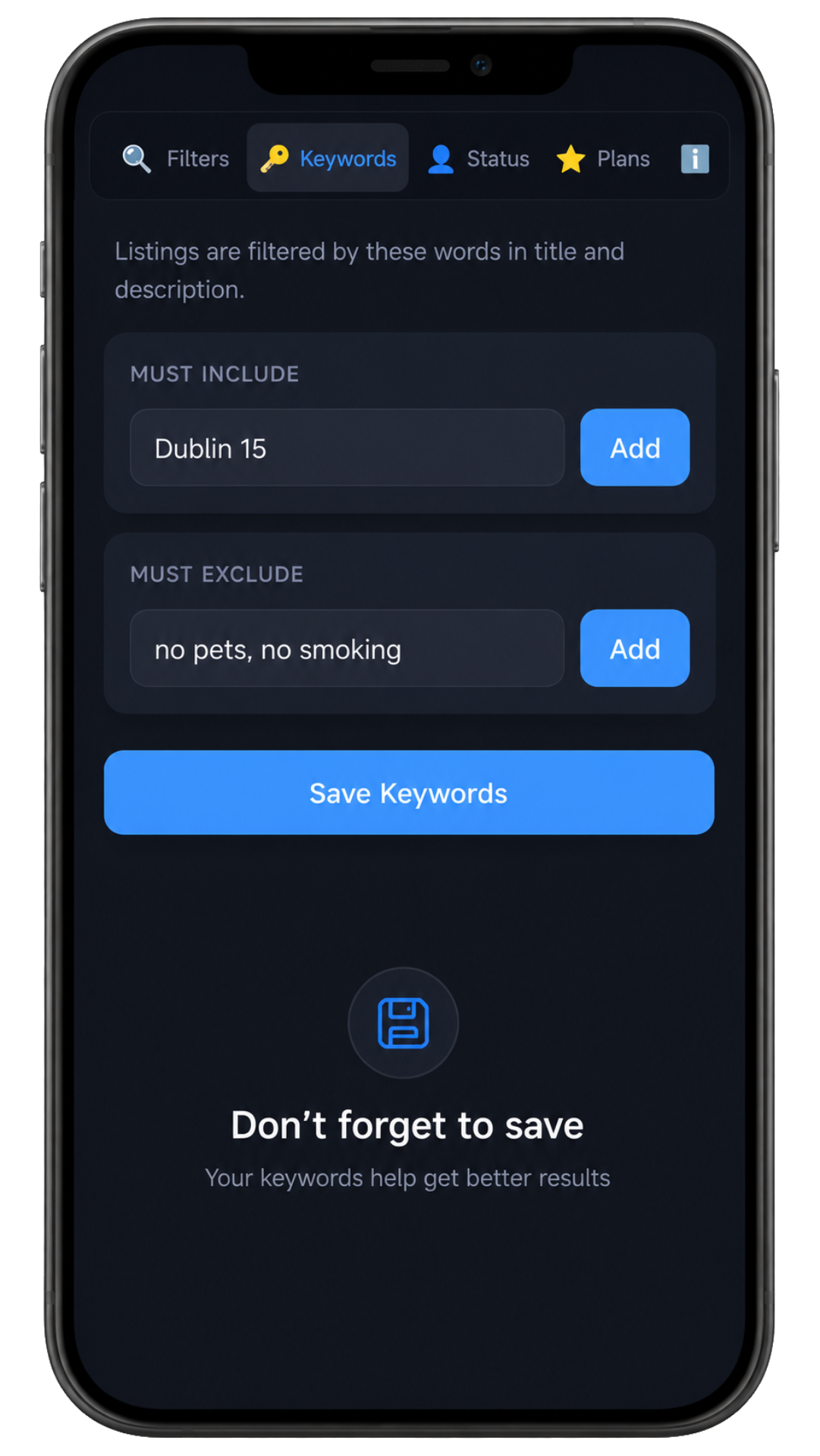
Switch to the Keywords tab. Under Must include add words like parking or ensuite. Under Must exclude add words like students only or no pets.
Keywords are case-insensitive — "Parking" and "parking" work the same.
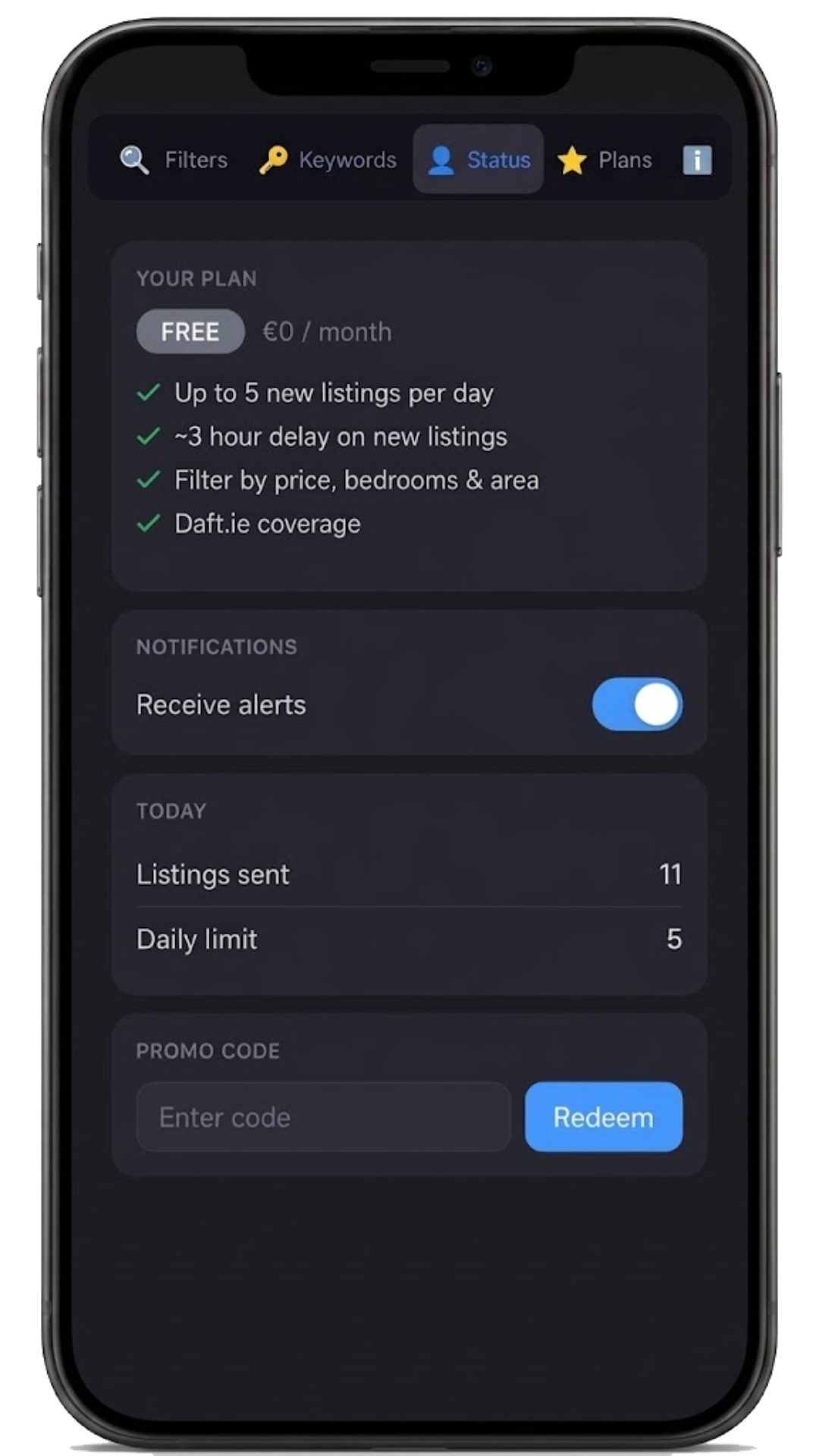
The Status tab shows your current plan, when it expires, and how many alerts you've received. Scroll to the bottom to enter a promo code.
You can pause alerts from here — your filters stay saved and resume with one tap.
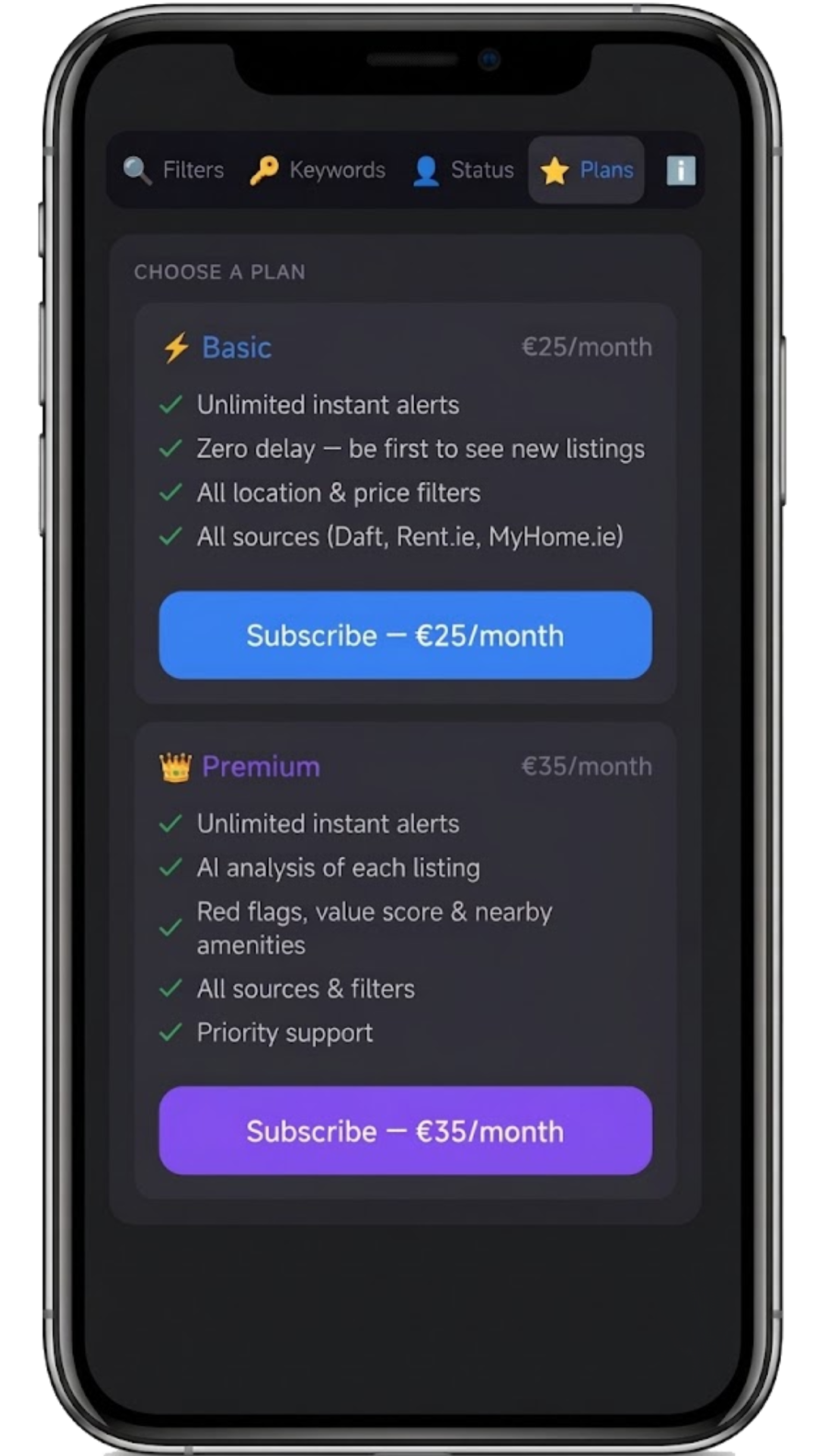
Open the Plans tab to see all available plans. Upgrade from Free to Basic or Premium whenever you're ready — directly inside the Mini App.
Every new user starts with a 3-day free trial with full Premium access — no credit card needed.
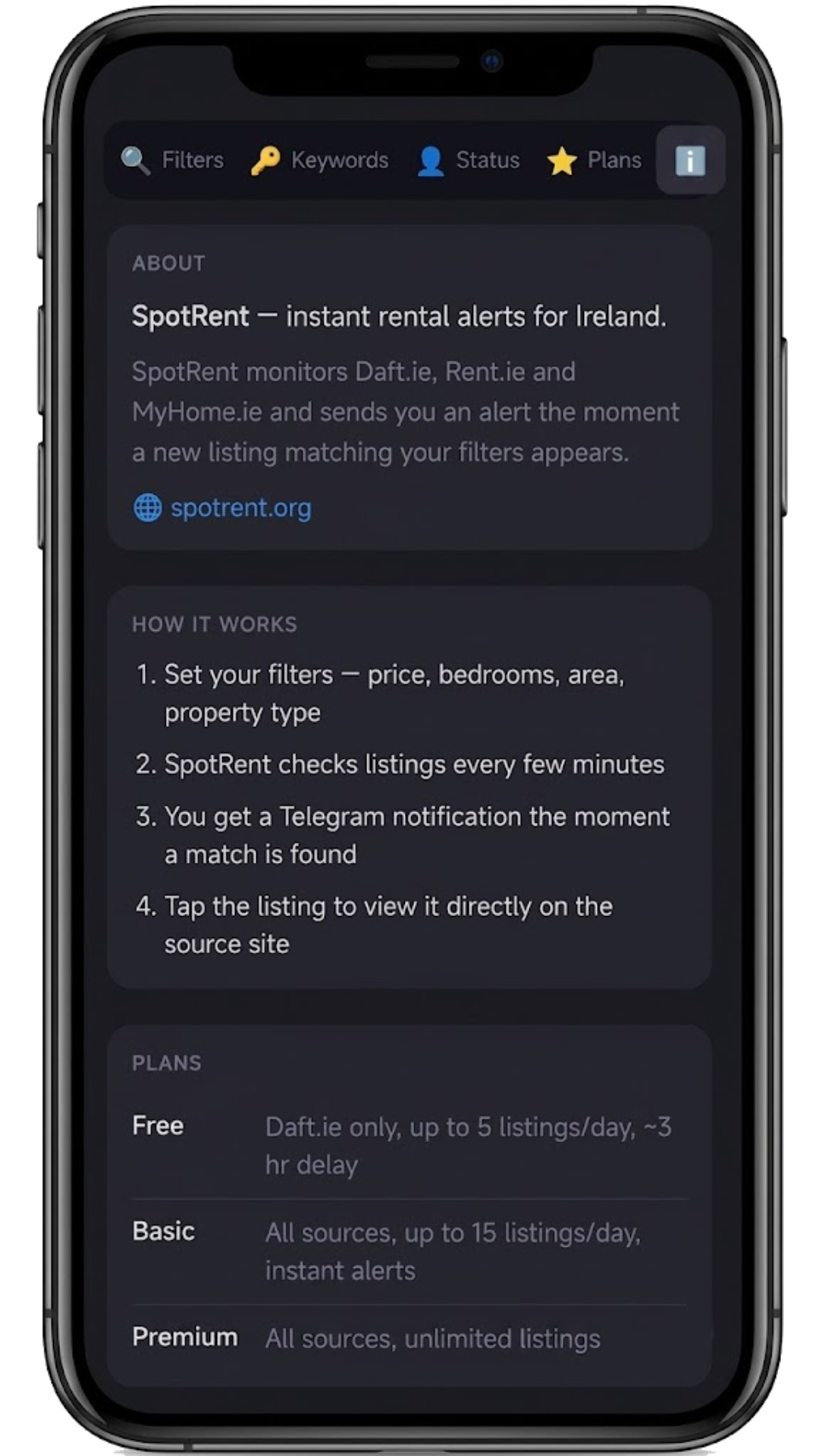
The last tab (small icon) is the Info tab. Find links to support, the website, and this tutorial — all in one place.
Need help? Reach out to @spotrent_sup_bot — we reply fast.
Video tutorial coming soon
We're producing a full video walkthrough. In the meantime, the text guide covers everything — it takes about 2 minutes to read.